Turn your song into a music video
Upload a track and we transcribe the lyrics with their exact timing, design the cast and the sets, then cut every shot to your own music.
Upload your songMP3, WAV or M4A · nothing is published without youThree steps
Upload your track
Drop an MP3 or WAV. Speech-to-text reads the lyrics out of the recording along with the exact second each word is sung.
Pick the look
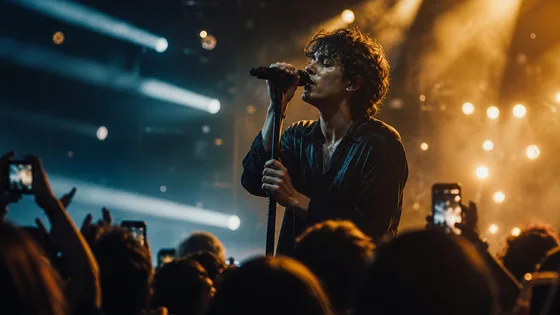
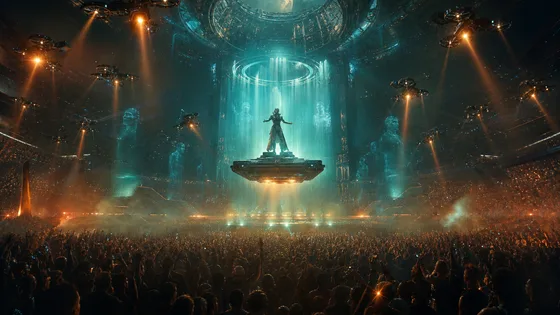
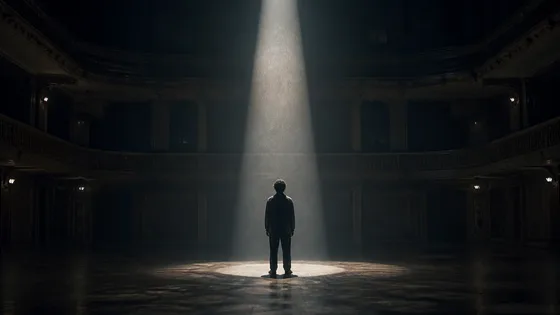
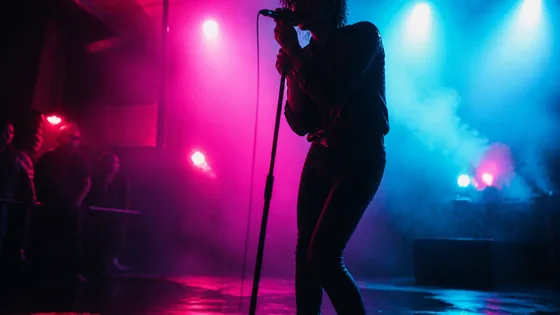
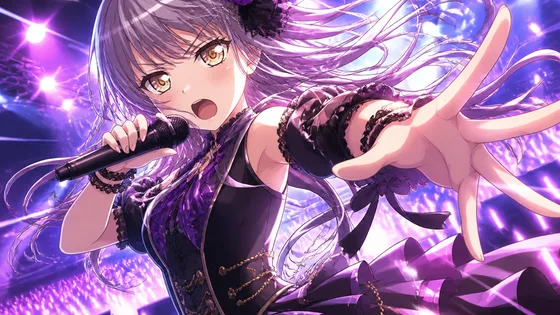
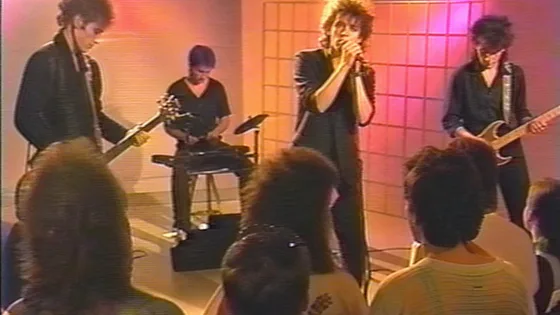
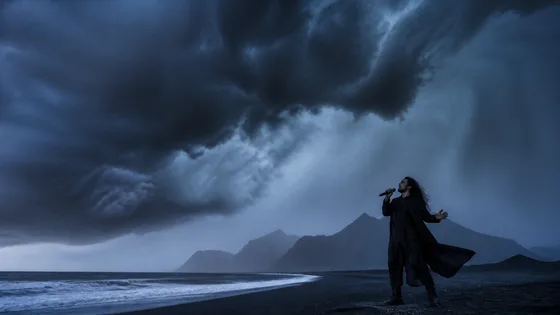
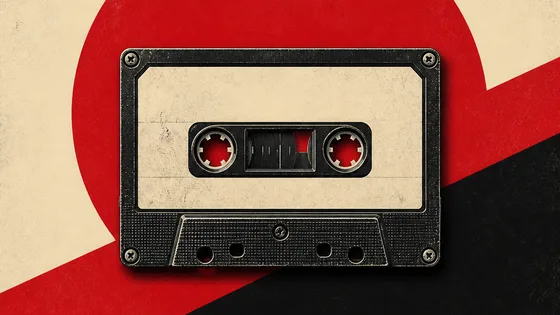
Choose a treatment — concert film, sci-fi saga, anime, neon noir — and the art style every frame is drawn in.
Generate
Character and location cards are generated first, then used as references for every shot, so the same face and the same room come back all the way through.
Eight treatments
Each one defines its own performance thread and story thread, so the video cuts between the two the way a real music video does.
What makes it look right
Every cut lands on the song
Shot boundaries come from the lyric timing in your own recording, not from a fixed interval. Choruses get the performance footage; verses carry the story.
The same person throughout
Characters and locations are generated once as reference images, then fed into every shot they appear in — so your singer doesn't change face between the first chorus and the last.
A-roll and B-roll
The performance thread and the narrative thread are designed separately and interleaved, which is what separates a music video from a slideshow.
Moving images or real AI video
Ken Burns motion over generated frames is fast and cheap. Or animate every shot with Veo 3.1 and have it cut to the lyric timing for you.
Questions
What files can I upload?
MP3, WAV, M4A, OGG and AAC, up to 30MB — which covers a six-minute track at high bitrate. Songs longer than six minutes are trimmed, and you can pick which part to use.
How accurate are the lyrics?
The timing comes straight from the recording, so captions stay locked to the vocal. The wording is transcribed and then corrected by a language model, which handles most mishearings — and you can edit any line afterwards in the project editor.
How long does it take?
Moving-images mode is usually a few minutes. AI video mode generates a clip per shot, so a full song takes considerably longer — you can close the tab and come back.
Can I publish the result?
Yes, the generated video is yours. You are responsible for holding the rights to the music you upload.
Can I change a shot I don't like?
Every shot lands in the normal project editor as its own scene, with its prompt attached. Regenerate a frame, swap an image, or re-render the whole video whenever you like.
Got a song?
Upload it and see the first frames in a couple of minutes.
Make my music video