Trusted by 12,000+ creators
Create viral faceless reels on auto-pilot
One AI that writes the script, narrates it, cuts the captions and renders the video — so your channel keeps posting while you sleep.
Your first reel is ready in under five minutes.
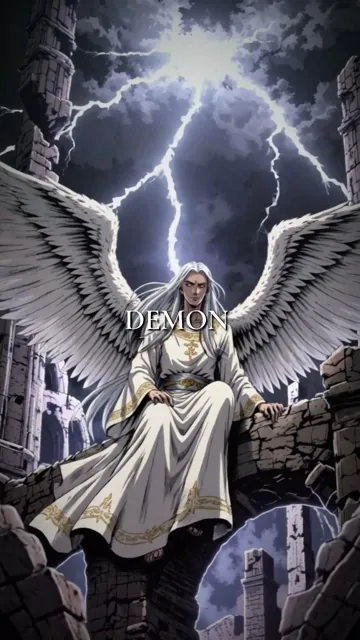
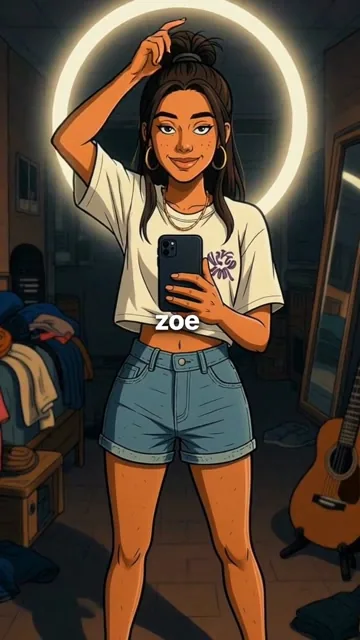
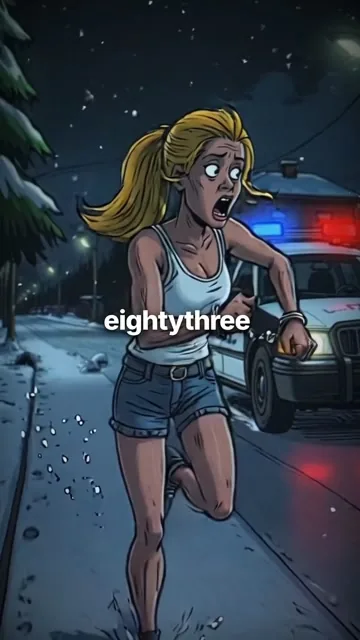
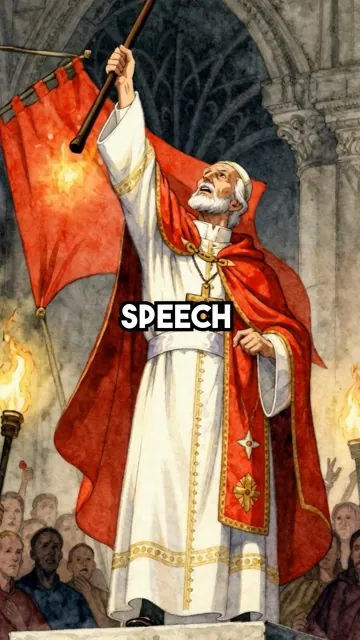
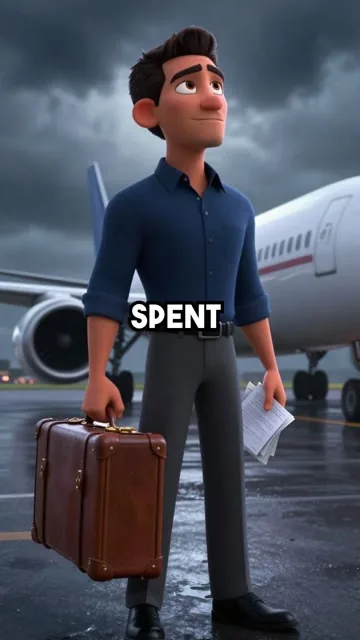
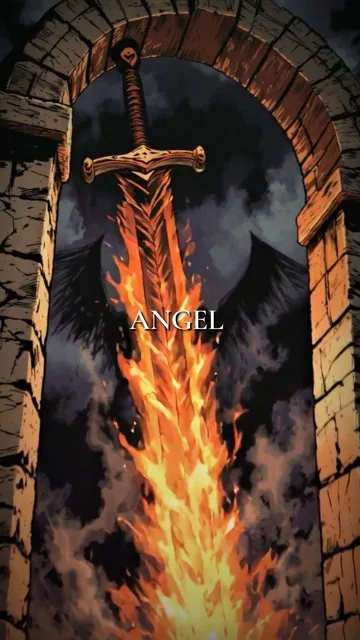
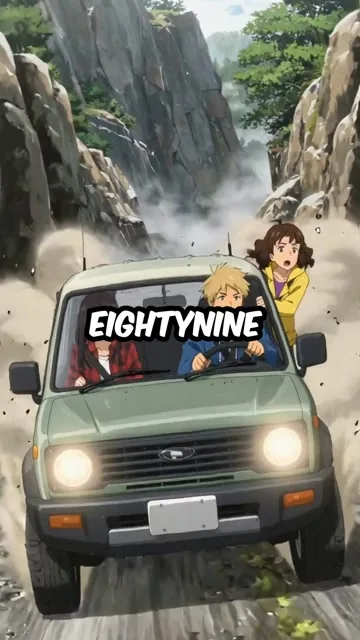
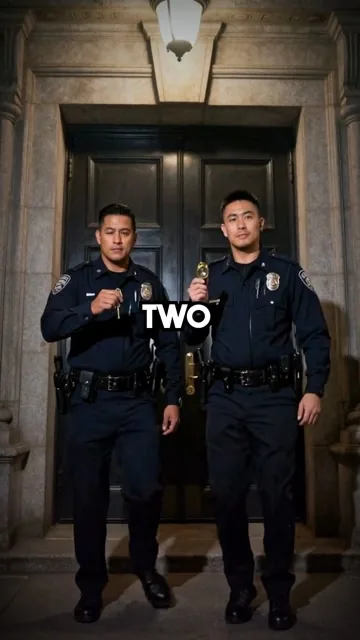
Channels that actually get views
What a Kyncept-run channel looks like after a few months of daily posting.

channels automated
videos rendered
Why creators switch to Kyncept
The same daily output, without the cost or the calendar.
Hiring an editor
$50–200 a video, a brief for every one of them, and you are still the bottleneck on revisions.
Editing it yourself
Scripting, recording, cutting and captioning one reel eats an evening — and daily posting needs seven of them.
Kyncept
Give it a topic and a look. It writes, narrates, captions and renders the reel, ready to post to TikTok, YouTube and Instagram.
What creators tell us
Feedback from people running faceless channels on Kyncept.

I was spending whole weekends editing. Now I queue a week of history reels on Sunday morning and I am done.

The captions are the part I did not expect to love. They land on the right word every time, so I never touch the timing.

I run three channels in three niches off one account. That would have been three freelancers a year ago.

First reel out of it beat everything I had made by hand that month. I stopped arguing with the results after that.

The art styles are what sold me — my mythology channel finally looks like one channel instead of ten stock clips.

I write one line about the topic and get a script that actually has a hook. Editing it down is a two-minute job.
Cheaper than one video from my old editor, and I get thirty. The maths was not a hard decision.
Posting daily used to break me by week two. It has been four months and I have not missed a day.
How it works
Three steps between a topic and a finished reel.
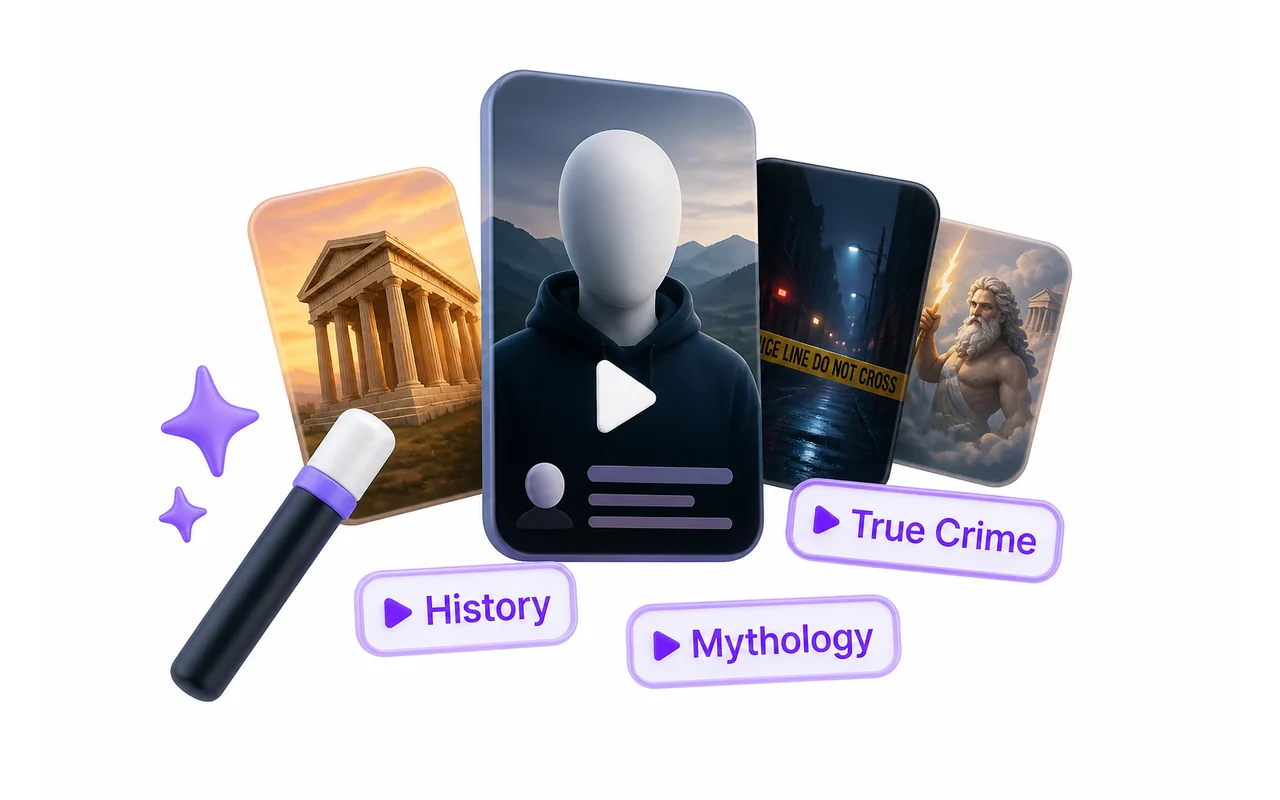
Start a series
Pick your niche and let the AI plan the storyboard — scene by scene, with a hook that survives the first two seconds.
- Any niche, or write your own topic
- Vertical and square formats
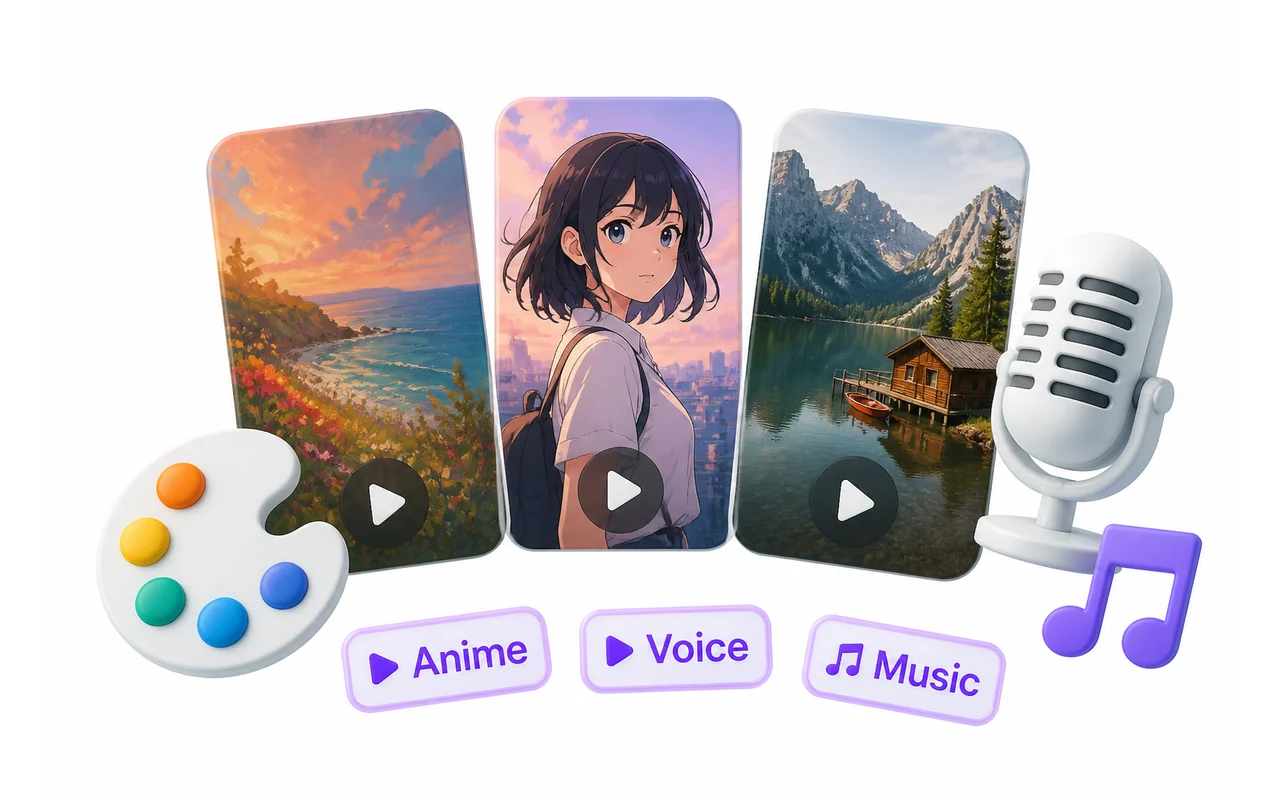
Choose the look
Fourteen art styles, real voices in dozens of languages, and caption presets that match how your niche actually reads.
- 14 art styles and 30+ narration voices
- Background music, or bring your own track
Post and grow
Download the finished MP4 or hand it straight to your schedule, and keep the channel fed every single day.
- Ready for TikTok, YouTube and Instagram
- No watermark on paid plans
See it in action
One topic in, one finished reel out.
Frequently asked questions
Everything worth knowing before your first reel.
What exactly is a series?
A series is one channel's recurring format — a niche, an art style, a voice and a caption look. Once it is set, every new reel comes out consistent with the last one, which is what makes a faceless channel read as a real channel.
Is it easy to use?
You pick a niche, pick a look, and press generate. Everything after that — script, narration, images, captions, render — happens on its own, and you get an MP4 at the end.
Do I need editing experience?
No. There is nothing to edit unless you want to. If you do want to, every scene image and every caption is editable in the project afterwards.
Which platforms does it fit?
Reels come out vertical at 9:16, which is what TikTok, YouTube Shorts and Instagram Reels all expect. You can also render square if you need it.
Is AI content allowed on those platforms?
Yes, as long as it is disclosed where the platform asks for it and it is not misleading. All three platforms have labels for AI-assisted content — use them, and post the reel like any other upload.
How many videos can I make?
It depends on your plan's credit balance. A full reel — storyboard, every scene image and the narration — is one flat deduction, not a charge per image.
Will it actually get views?
Nobody can promise views, and we will not. What we can say is that the channels that grow are the ones that post daily in a consistent format, which is exactly the part this removes the friction from.
Can I get a refund?
Yes — if something did not work as described, write to us and we will sort it out. Unused subscription time is refundable.