12,000+ のクリエイターが利用中
顔出しなしのバズるリールを、自動で。
台本を書き、ナレーションを入れ、字幕を合わせ、書き出しまで。ひとつのAIが全部やるので、寝ている間もチャンネルは動き続けます。
最初の1本は5分もかかりません。
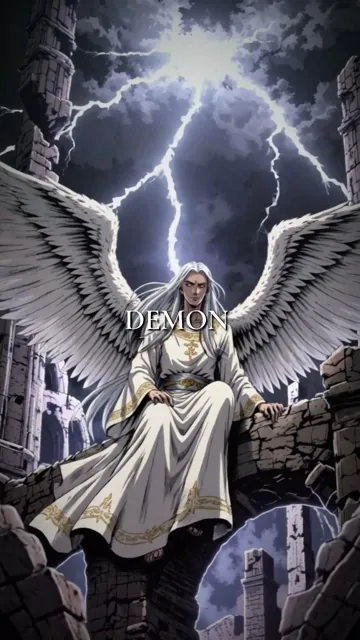
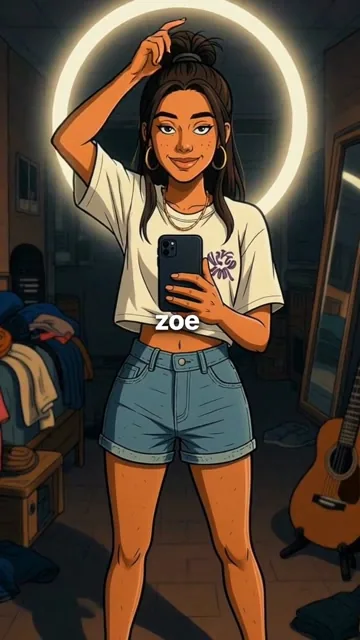
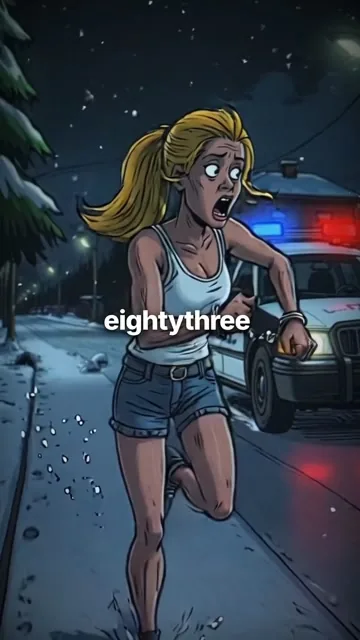
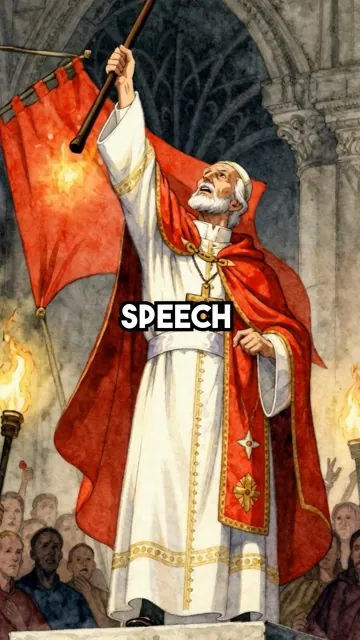
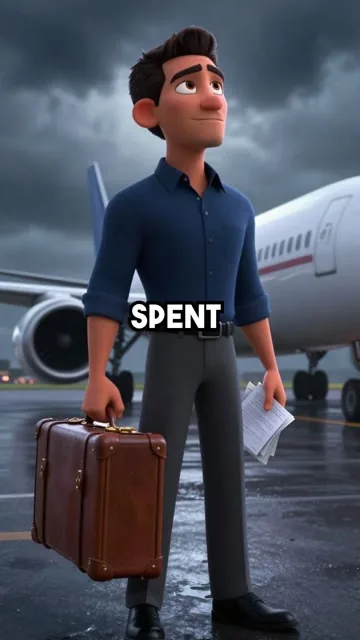
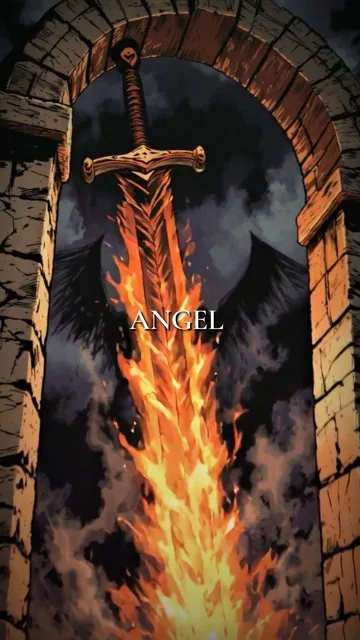
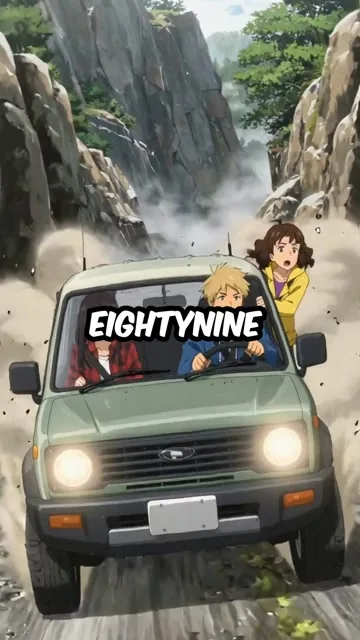
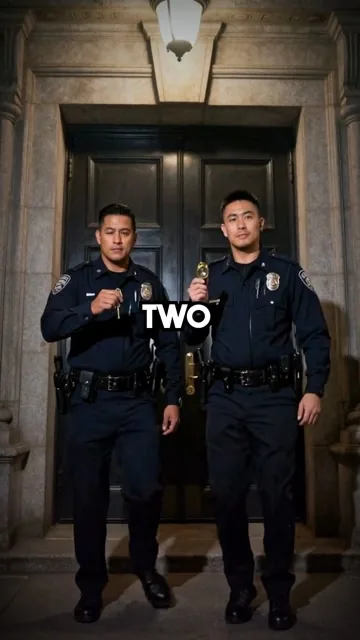
実際に再生が伸びているチャンネル
Kynceptで毎日投稿を数か月続けたチャンネルの様子です。

自動化されたチャンネル
書き出された動画
クリエイターがKynceptに乗り換える理由
毎日の投稿量はそのまま、コストとスケジュール管理だけをなくす。
編集者に外注する
1本50〜200ドル。毎回ブリーフを書く必要があり、修正のたびに自分がボトルネックになります。
自分で編集する
構成・収録・カット・字幕で1本に一晩。毎日投稿するなら、それを週7回です。
Kyncept
テーマと画風を渡すだけ。台本・ナレーション・字幕・書き出しまで仕上げ、TikTok・YouTube・Instagramにそのまま投稿できます。
クリエイターの声
Kynceptで顔出しなしチャンネルを運用している人たちからのフィードバック。

週末はずっと編集に潰れていました。今は日曜の朝に1週間分の歴史リールを仕込んで終わりです。

字幕がここまで良いとは思っていませんでした。毎回ちゃんと狙った単語に乗るので、タイミングを触ることがありません。

3ジャンル・3チャンネルを1アカウントで回しています。1年前ならフリーランス3人分の仕事でした。

最初に出てきた1本が、その月に手作業で作ったどれよりも伸びました。それ以来、結果に文句を言うのはやめました。

決め手は画風です。神話チャンネルが、寄せ集めのストック素材ではなく、ようやく“ひとつのチャンネル”に見えるようになりました。

テーマを一行書くだけで、ちゃんとフックのある台本が返ってきます。整えるのは2分の作業です。
前の編集者に頼む1本より安くて、30本つくれます。計算するまでもありませんでした。
毎日投稿はいつも2週目で心が折れていました。もう4か月、1日も落としていません。
使い方
テーマから完成リールまで、3ステップ。
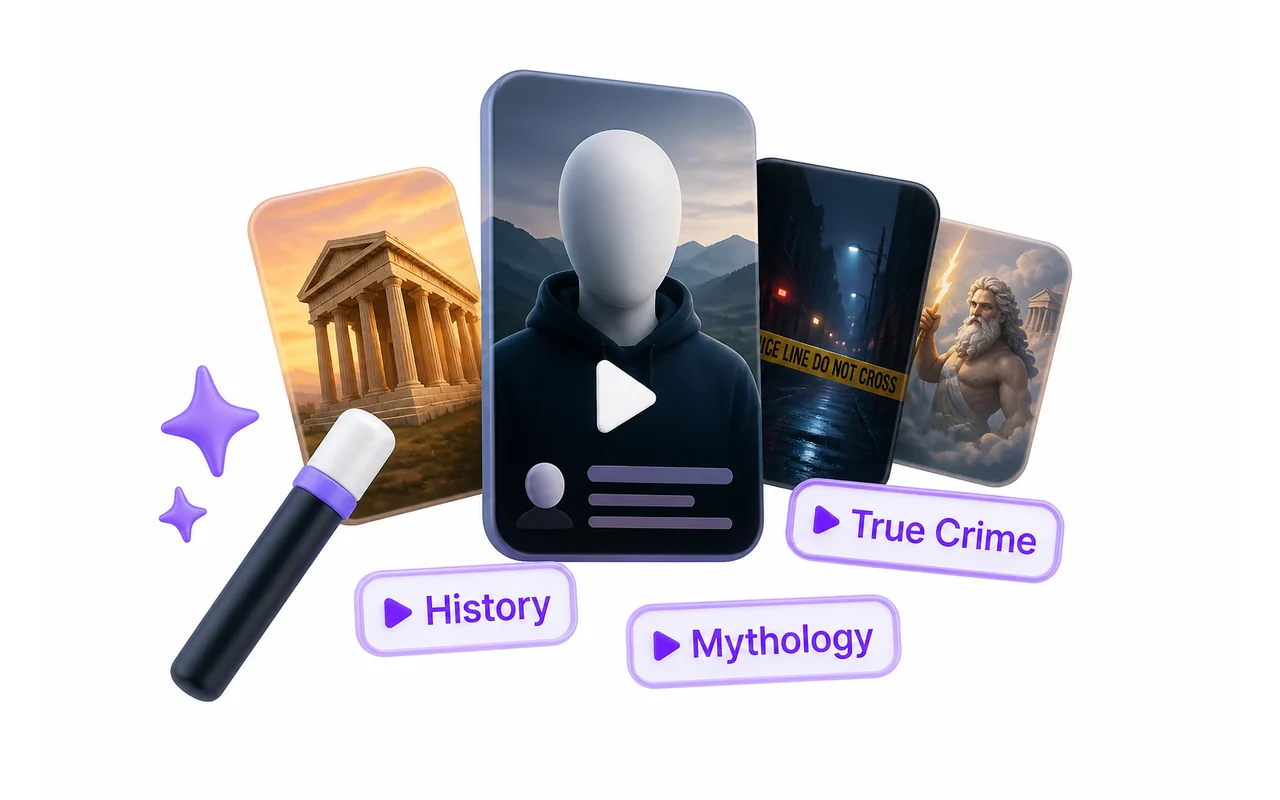
シリーズをつくる
ジャンルを選ぶと、AIがシーンごとに絵コンテを組み立てます。最初の2秒を持たせるフック付きで。
- どんなジャンルでも、自由入力もOK
- 縦型・正方形に対応
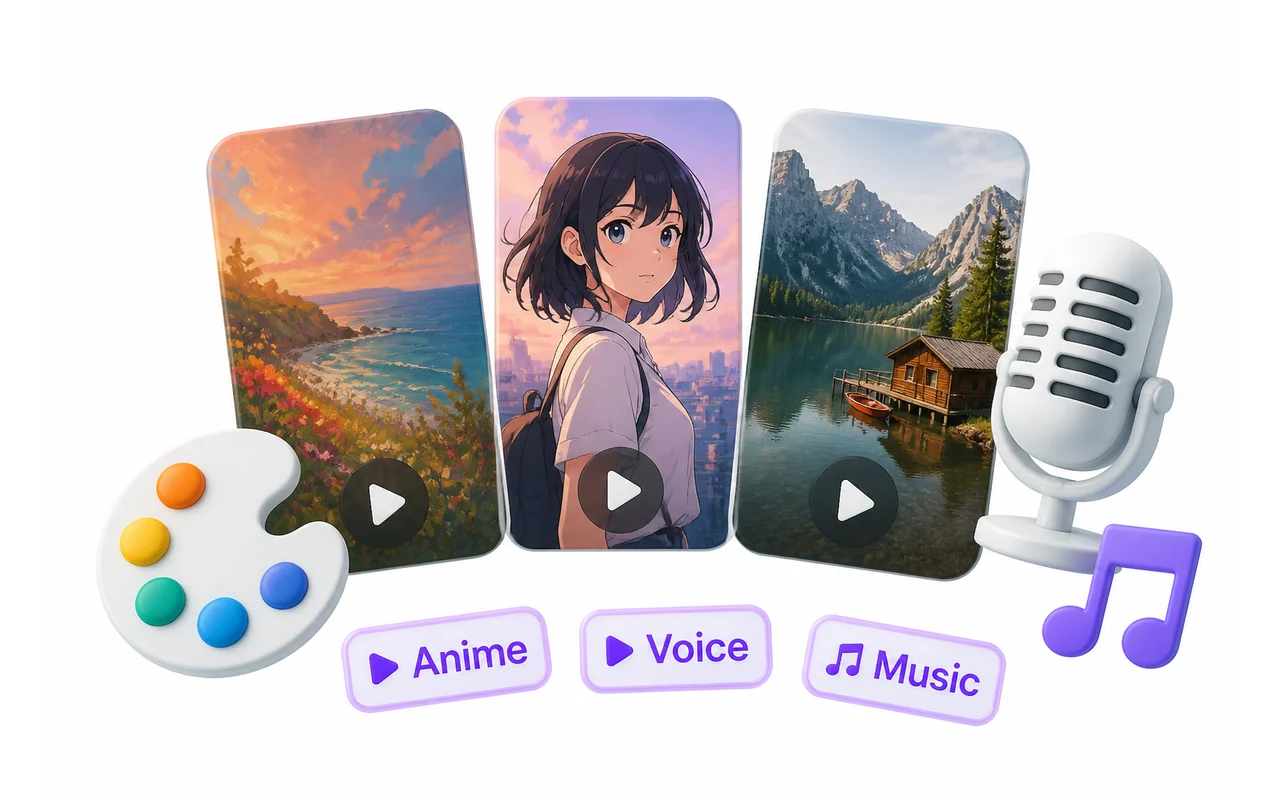
見た目を決める
14種類の画風、数十言語のリアルな音声、そしてジャンルの読まれ方に合う字幕プリセット。
- 14の画風と30以上のナレーション音声
- BGM付き、自前の曲も使えます
投稿して伸ばす
完成したMP4をダウンロードするか、そのまま投稿スケジュールへ。チャンネルを毎日切らさずに回せます。
- TikTok・YouTube・Instagramにそのまま
- 有料プランは透かしなし
動いているところを見る
テーマを入れて、完成したリールが出てくるまで。
よくある質問
最初の1本の前に知っておきたいこと。
シリーズとは何ですか?
シリーズは、チャンネルの繰り返しフォーマットのことです。ジャンル・画風・声・字幕の見た目をひとまとめにしたもので、一度決めれば新しいリールも前回と揃った仕上がりになります。顔出しなしチャンネルが「ちゃんとしたチャンネル」に見えるのは、この一貫性のおかげです。
使うのは簡単ですか?
ジャンルを選び、画風を選び、生成を押すだけです。あとは台本・ナレーション・画像・字幕・書き出しまで自動で進み、最後にMP4が手に入ります。
編集の経験は必要ですか?
不要です。編集したくなければ触るところはありません。触りたい場合は、各シーンの画像も字幕もあとからプロジェクト内で編集できます。
どのプラットフォーム向けですか?
リールは9:16の縦型で書き出されます。TikTok・YouTube ショート・Instagram リールが想定している比率です。必要なら正方形でも書き出せます。
AI生成コンテンツは各プラットフォームで許可されていますか?
はい。プラットフォームが求める場所で開示し、誤解を招く内容でなければ問題ありません。3つとも「AI利用」のラベルが用意されているので、それを付けて通常どおり投稿してください。
何本つくれますか?
プランのクレジット残高によります。1本のリール(絵コンテ・全シーンの画像・ナレーション込み)で定額を1回消費する方式で、画像ごとの課金ではありません。
本当に再生されますか?
再生数を約束できる人はいませんし、私たちも約束しません。ただ、伸びるチャンネルは一定のフォーマットで毎日投稿しているチャンネルです。その手間を減らすのがこのツールの役割です。
返金はできますか?
はい。説明どおりに動かなかった場合はご連絡ください、対応します。未使用のサブスクリプション期間は返金対象です。