Master Video Editing Fast - Beginner to Pro Guide 2025
Learn video editing from scratch with this complete guide. Discover software, techniques, and pro tips to create stunning videos in 2025.
Kyncept Team
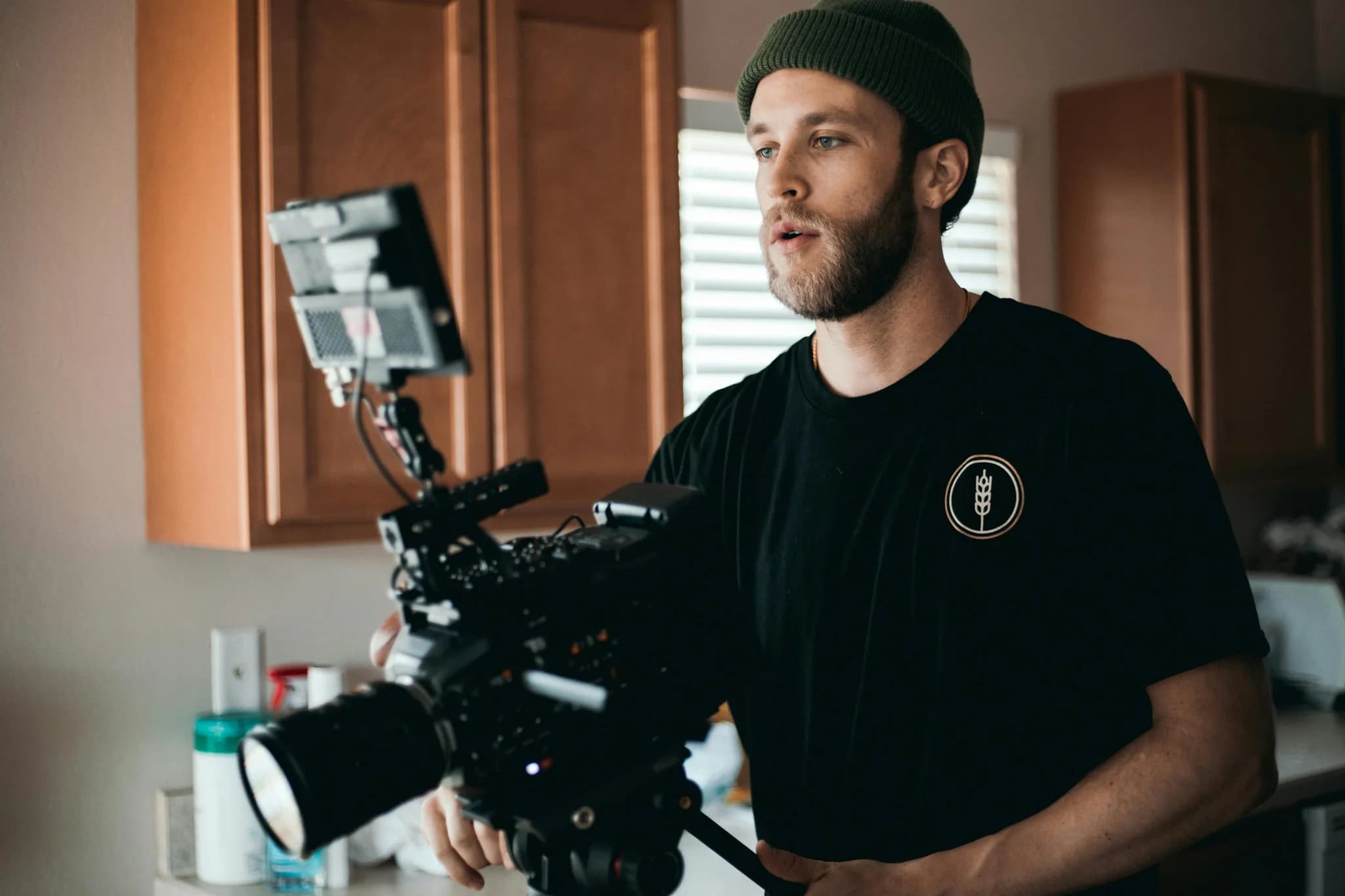
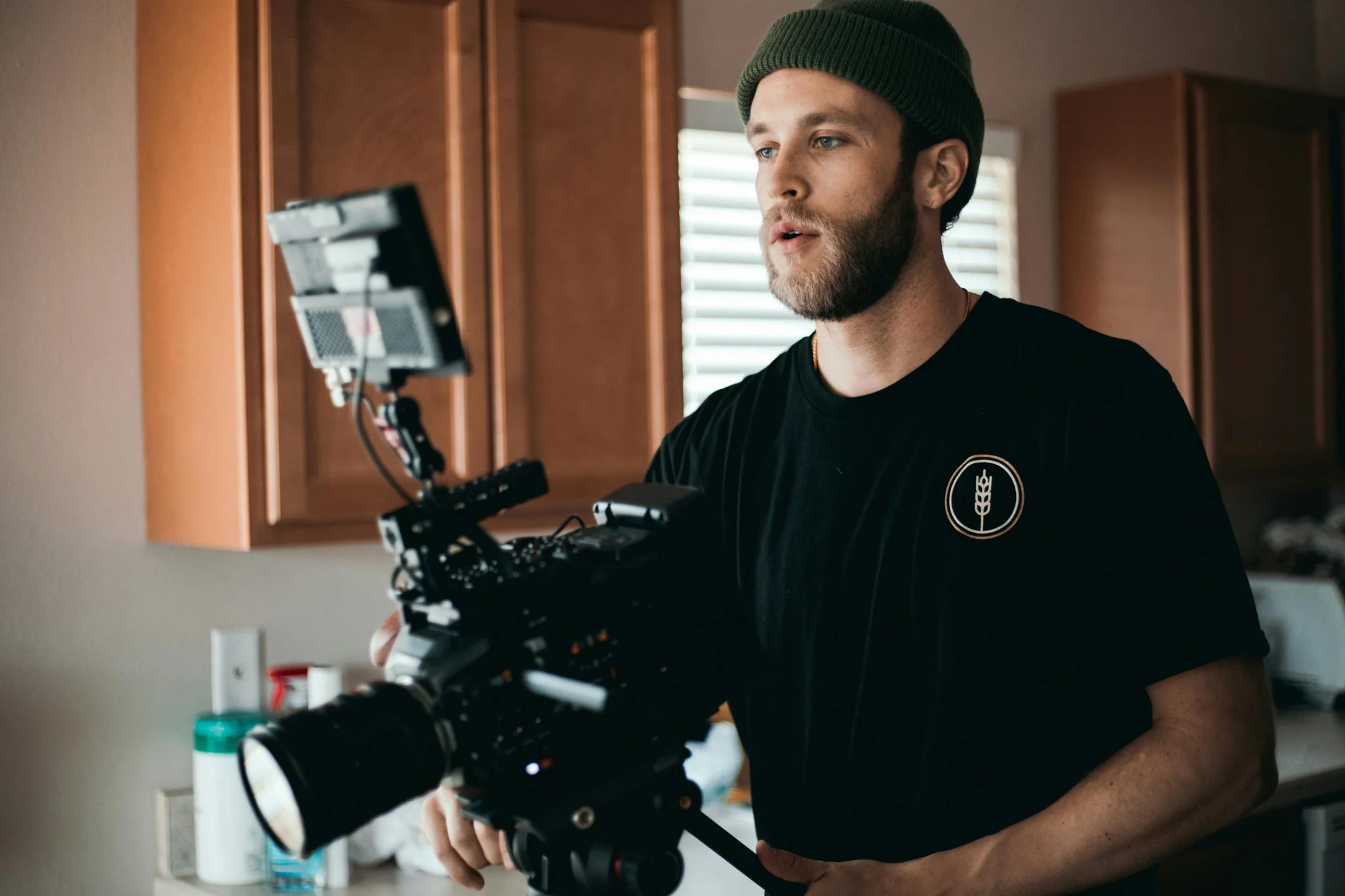
Video editing has become one of the most valuable skills in today's digital world. Whether you want to create content for YouTube, social media, or professional projects, knowing how to edit videos can open countless doors. This guide will walk you through everything you need to master video editing in 2025.
Why Video Editing Matters More Than Ever
The digital landscape has changed dramatically. Video content now dominates social media, with platforms like TikTok, Instagram Reels, and YouTube Shorts driving billions of views daily. Businesses need video editors, content creators demand editing skills, and personal brands rely on quality video content.
Learning video editing gives you creative control over your message. You can transform raw footage into compelling stories that grab attention and keep viewers engaged. The best part? Modern tools have made video editing more accessible than ever before.
Choosing Your Video Editing Software
Picking the right editing software sets the foundation for your journey. Different tools serve different needs, so understanding your options helps you make the best choice.
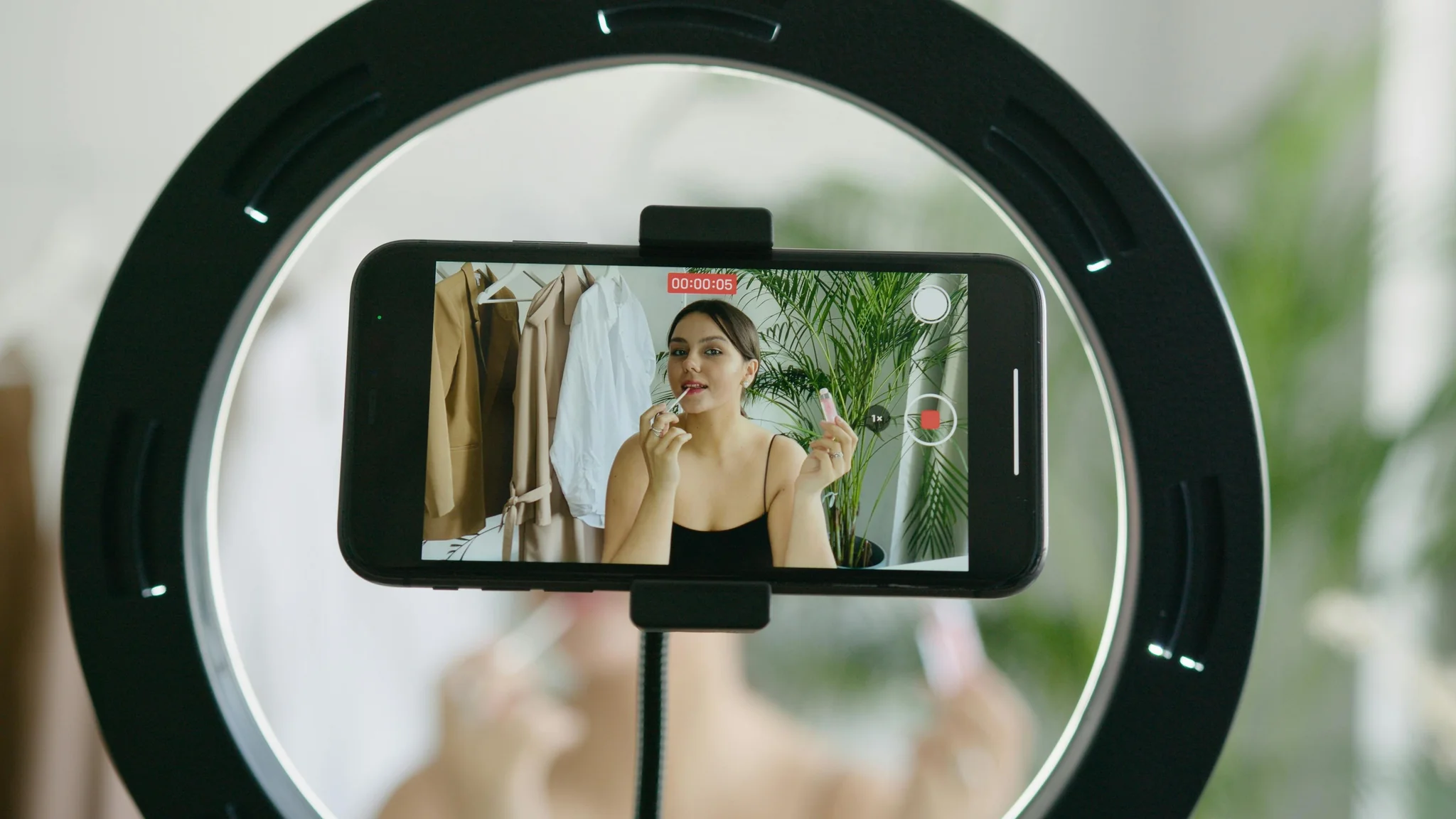
Professional-Grade Options
Adobe Premiere Pro stands as the industry standard for professional video editing. Major film studios, television networks, and top content creators use it daily. The software offers unlimited creative possibilities, from basic cuts to advanced visual effects. It works seamlessly with other Adobe products like After Effects and Photoshop.
Final Cut Pro X dominates the Mac ecosystem. Apple designed it specifically for their hardware, which means blazing-fast performance on MacBooks and iMacs. Many YouTube creators prefer Final Cut Pro because it handles 4K and even 8K footage smoothly.
DaVinci Resolve started as a color grading tool but evolved into a complete editing powerhouse. Professional colorists love its advanced color correction capabilities. The best part? You can download a fully functional free version that rivals paid software.
Beginner-Friendly Choices
iMovie comes free with every Mac computer. It provides a gentle introduction to video editing without overwhelming new users. The simple drag-and-drop interface lets you create polished videos quickly.
Camtasia excels at screen recording and tutorial creation. Teachers, trainers, and course creators choose it for educational content. The built-in templates and effects make professional-looking videos easy to produce.
Descript takes a revolutionary approach by letting you edit video through text transcripts. You can cut footage by deleting words in the transcript, making editing as simple as editing a document.
Setting Up Your Editing Workspace
Your workspace directly impacts your productivity and creativity. Follow these essential setup tips for the best editing experience.
Hardware matters more than many beginners realize. A powerful computer with at least 16GB of RAM handles video files smoothly. An SSD drive speeds up loading times dramatically compared to traditional hard drives. Modern editing works best with dedicated graphics cards that accelerate rendering.
Dual monitors transform your workflow. One screen displays your timeline and editing tools while the other shows your preview window. This setup reduces constant window switching and speeds up your work.
Ergonomics prevents fatigue during long editing sessions. Position your monitor at eye level to avoid neck strain. Use a comfortable chair that supports your back properly. Take regular breaks every hour to rest your eyes and stretch.
File organization saves countless hours of frustration. Create a clear folder structure before starting any project. Separate folders for raw footage, audio files, graphics, and project files keep everything accessible. Name your files descriptively so you can find them quickly.
Essential Editing Techniques Every Editor Needs
Mastering fundamental techniques builds the foundation for more advanced work. These core skills apply across all editing software.

The Art of Cutting and Trimming
Cutting and trimming represent the most basic yet crucial editing skills. The 2025 best practices emphasize the importance of removing dead weight from your videos. Cut out rambling intros, filler words like "um" and "uh," and any silence lasting longer than two or three seconds.
The 3-second rule has become critical for modern viewers. People decide whether to keep watching within the first three seconds of your video. Start strong with a compelling hook, an interesting question, or eye-catching visuals right at the beginning.
Working with Multiple Tracks
Modern video editing requires juggling multiple video and audio tracks simultaneously. Your main footage sits on one video track while B-roll footage, graphics, and text elements occupy additional tracks above it. Audio tracks separate dialogue, background music, and sound effects.
Understanding track hierarchy gives you creative control. Upper video tracks cover lower ones, which lets you layer graphics over footage. Audio tracks blend together based on their volume levels, creating a rich soundscape.
Speed Manipulation for Impact
Changing playback speed adds dramatic effect to your videos. Slow-motion footage, running at about 50% speed, emphasizes important moments or shows detailed action. Fast-motion clips at 200-400% speed compress time, making long processes quick and digestible.
High frame rate footage gives you flexibility with speed changes. Shooting at 60fps or 120fps lets you slow down footage smoothly without choppy playback.
Transitions and Visual Effects
Transitions connect your clips while visual effects enhance your footage. Using them wisely separates amateur work from professional content.
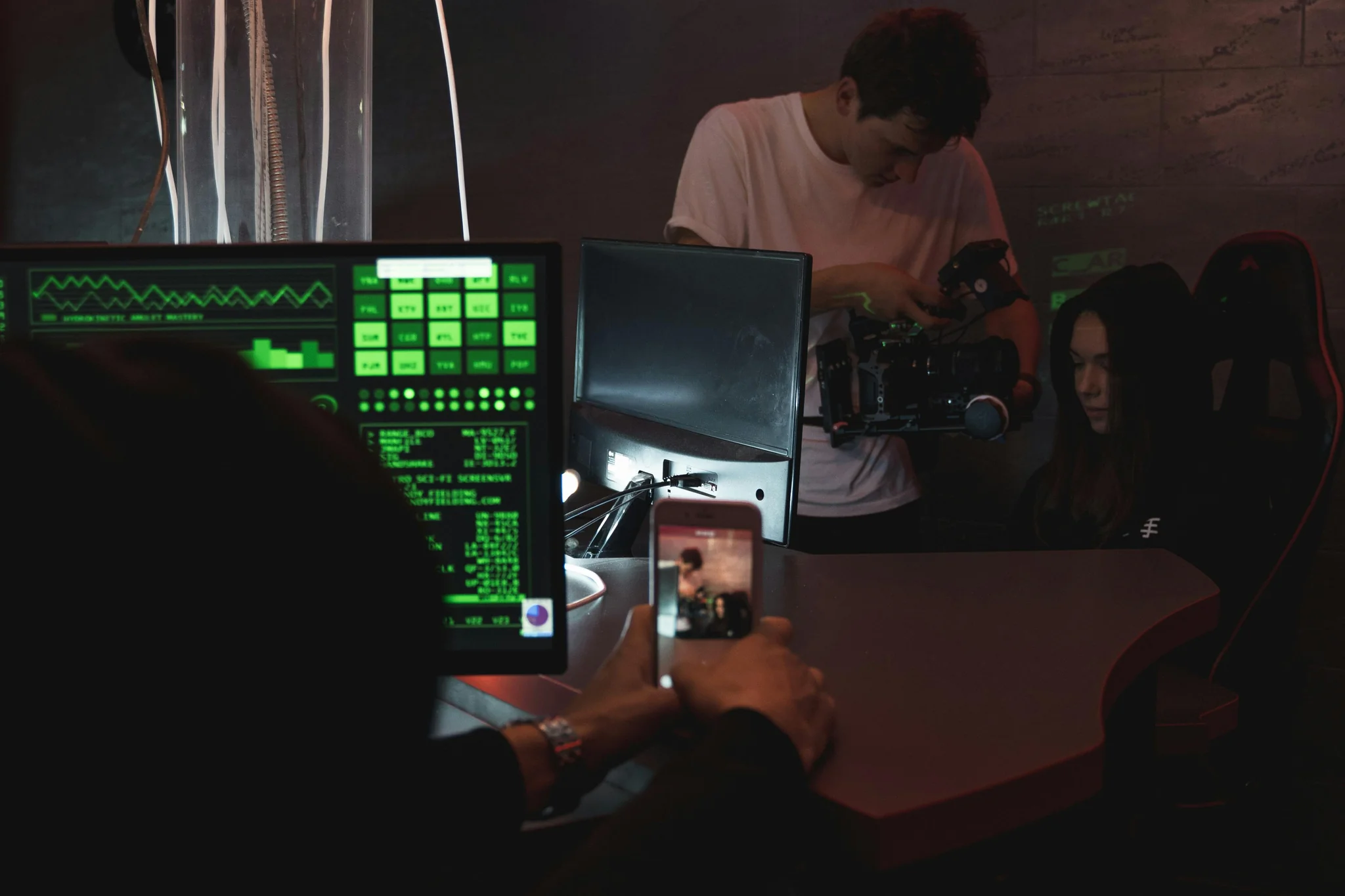
Simple cuts work best for most situations. Jump cuts create energy and maintain pace, especially in tutorial videos and vlogs. Professional editors use fancy transitions sparingly because they can distract viewers from the content.
Cross dissolves and fades serve specific purposes. A cross dissolve suggests the passage of time or a change in location. Fade to black signals the end of a section or creates dramatic pause. Fade from black introduces new scenes naturally.
Color correction fixes problems with your footage. You balance white levels, adjust exposure, and correct color casts so your footage looks consistent. Every shot should match in brightness and color temperature.
Color grading adds mood and style after correction. Warm tones create comfortable, inviting feelings. Cool blues suggest professionalism or sadness. The cinematic look often features crushed blacks and desaturated colors for a film-like appearance.
Audio Mixing for Professional Results
Great video editing requires great audio mixing. Poor audio ruins otherwise excellent videos, while clean audio elevates good content to professional quality.
Proper audio levels follow industry standards. Keep dialogue between -12 and -6 decibels for clear, comfortable listening. Background music sits lower at -25 to -18 decibels so it supports without overwhelming. Sound effects range from -15 to -10 decibels depending on their purpose.
Background noise removal cleans up your audio. Most editing software includes noise reduction tools that eliminate hums, buzzes, and ambient sounds. Apply them carefully to avoid making voices sound robotic or processed.
Audio transitions smooth out cuts between clips. Short crossfades of just a few frames prevent jarring pops or clicks when switching between audio clips. Longer fades work for music transitions.
Exporting Your Finished Video
The export process determines your video's final quality and compatibility. Understanding export settings prevents common mistakes that waste hours of rendering time.
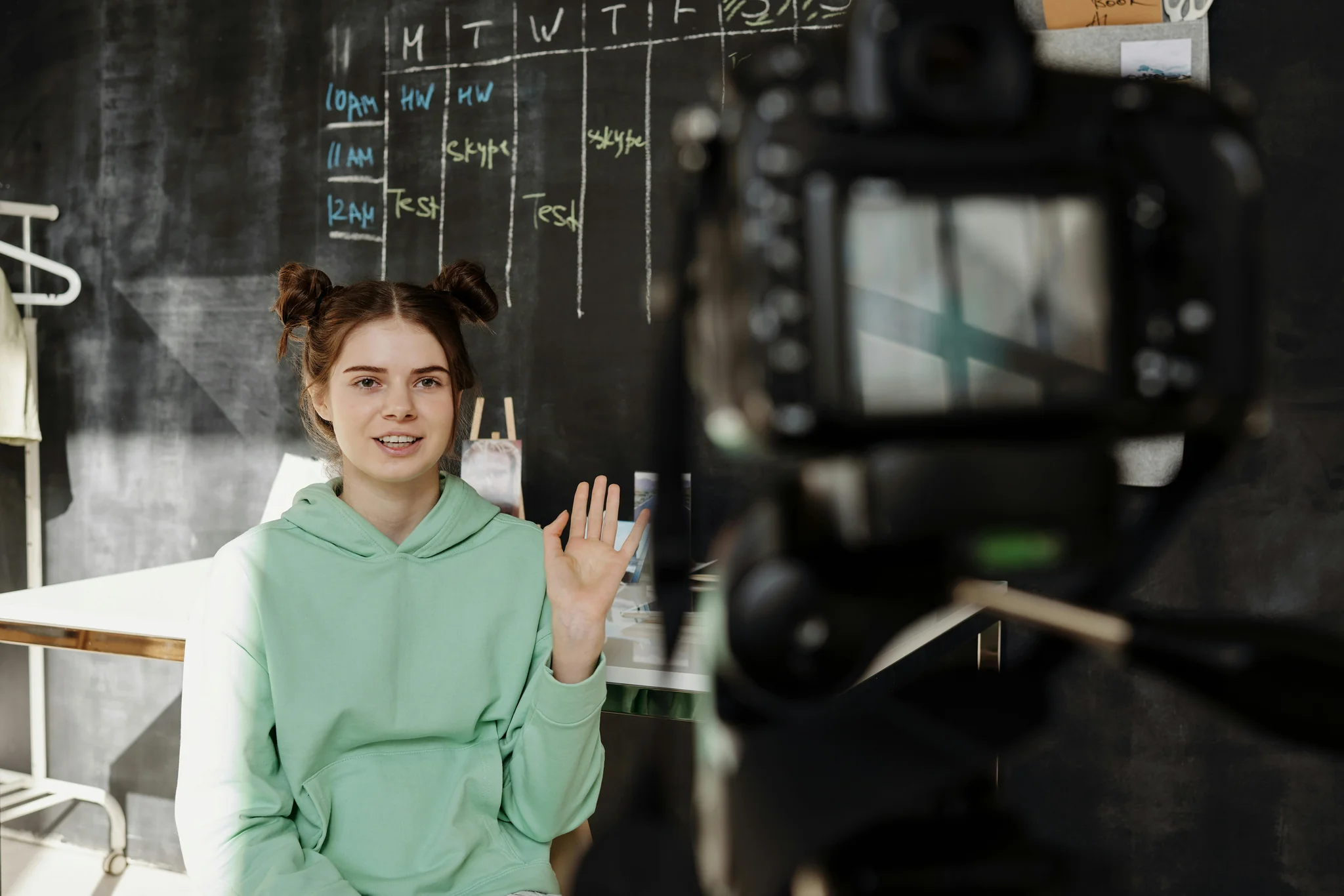
MP4 format with H.264 codec works for almost every platform. This combination provides excellent quality at reasonable file sizes. YouTube, Instagram, Facebook, and most other platforms accept MP4 files without issues.
Resolution choices depend on your source footage and distribution platform. 1080p Full HD remains the standard for most content. 4K looks stunning but creates massive files that take longer to upload and may not play smoothly on older devices.
Bitrate controls quality versus file size. Higher bitrates mean better quality but larger files. A bitrate of 8-10 Mbps works well for 1080p footage. 4K video needs 35-45 Mbps for good quality.
Frame rate should match your original footage in most cases. 24fps gives a cinematic look, 30fps suits most online content, and 60fps works for gaming or sports footage with fast motion.
Pro Tips for Faster Editing
Experienced editors work faster through smart habits and techniques. These professional tips accelerate your workflow dramatically.
Keyboard shortcuts eliminate countless mouse movements. Learn the shortcuts for cut, copy, paste, undo, and playback controls. Most editors work almost entirely with keyboard shortcuts after gaining experience.
Proxy workflows handle large files smoothly. Create low-resolution proxy files for editing, then swap them with high-resolution originals for final export. This technique lets you edit 4K or 8K footage on less powerful computers.
The 80/20 rule applies to video editing perfectly. You spend only 20% of your time capturing footage while the other 80% goes into editing. The edit is where you build the narrative and create the emotional impact.
Save your projects frequently and create backups. Follow the 3-2-1 backup rule: keep three copies of your project on two different types of media, with one copy stored off-site. Nothing feels worse than losing hours of work to a computer crash.
Common Mistakes to Avoid
New editors often make predictable mistakes that hurt their final product. Recognizing these pitfalls helps you avoid them.
Over-editing makes videos feel busy and exhausting. Too many transitions, effects, and quick cuts distract viewers from your message. Keep things simple, especially when starting out. Clean visuals, minimal text, and straightforward editing often work better than flashy effects.
Ignoring the story is the biggest mistake. Video editing is storytelling, not just assembling clips. Every cut should move the story forward. Remove anything that doesn't serve your narrative, no matter how good that individual shot looks.
Poor audio quality ruins otherwise great videos. Viewers will tolerate mediocre video quality but abandon videos with bad audio instantly. Invest time in getting your audio right through proper recording, mixing, and cleanup.
Taking Your Skills Further
Video editing is a journey with no real endpoint. You can always learn new techniques and refine your skills.
Practice regularly with personal projects. Create videos for yourself, family, or friends. Each project teaches valuable lessons and builds your portfolio. Try different styles and effects to discover what works best.
Study professional work carefully. Watch movies, commercials, and high-quality YouTube content with an editor's eye. Notice how they cut scenes, use music, and pace their stories. You can learn tremendous amounts by analyzing great work.
Join editing communities online. Reddit, Facebook groups, and Discord servers connect you with other editors who share tips, answer questions, and provide feedback. Learning from others speeds up your progress dramatically.
Start Creating Today
Video editing empowers you to tell stories, build brands, and share ideas with the world. The tools have never been more accessible, and the demand for quality video content keeps growing. Every expert editor started as a complete beginner who simply decided to start.
Ready to transform your video ideas into reality? Kyncept provides the AI-powered tools you need to streamline your video editing workflow and create professional content faster than ever before.
Don't wait for the perfect moment or the perfect skills. Download editing software today, import some footage, and start cutting. Your first edit won't be perfect, but it will be the first step toward mastering video editing. The best time to start was yesterday. The second-best time is right now.
More Articles
Faceless Videos: Create Engaging Content Anonymously
Master faceless video creation using AI animation screen recording and visual storytelling that builds engaged audiences while maintaining privacy.
Create Themed Videos: Cinematic Storytelling Mastery
Master themed video creation using cinematic techniques, AI tools, and compelling narratives that captivate audiences authentically.